
Use your iPhone as a webcam. Don’t buy another one.
The phone in your pocket or your drawer has a better sensor than most laptop cameras. Install once and it shows up in every meeting app’s camera menu.
- Pick it directly in Zoom, Teams, Meet, FaceTime and OBS
- 1080p30 out, up to 4K capture
- Mac and Windows, older iPhones included
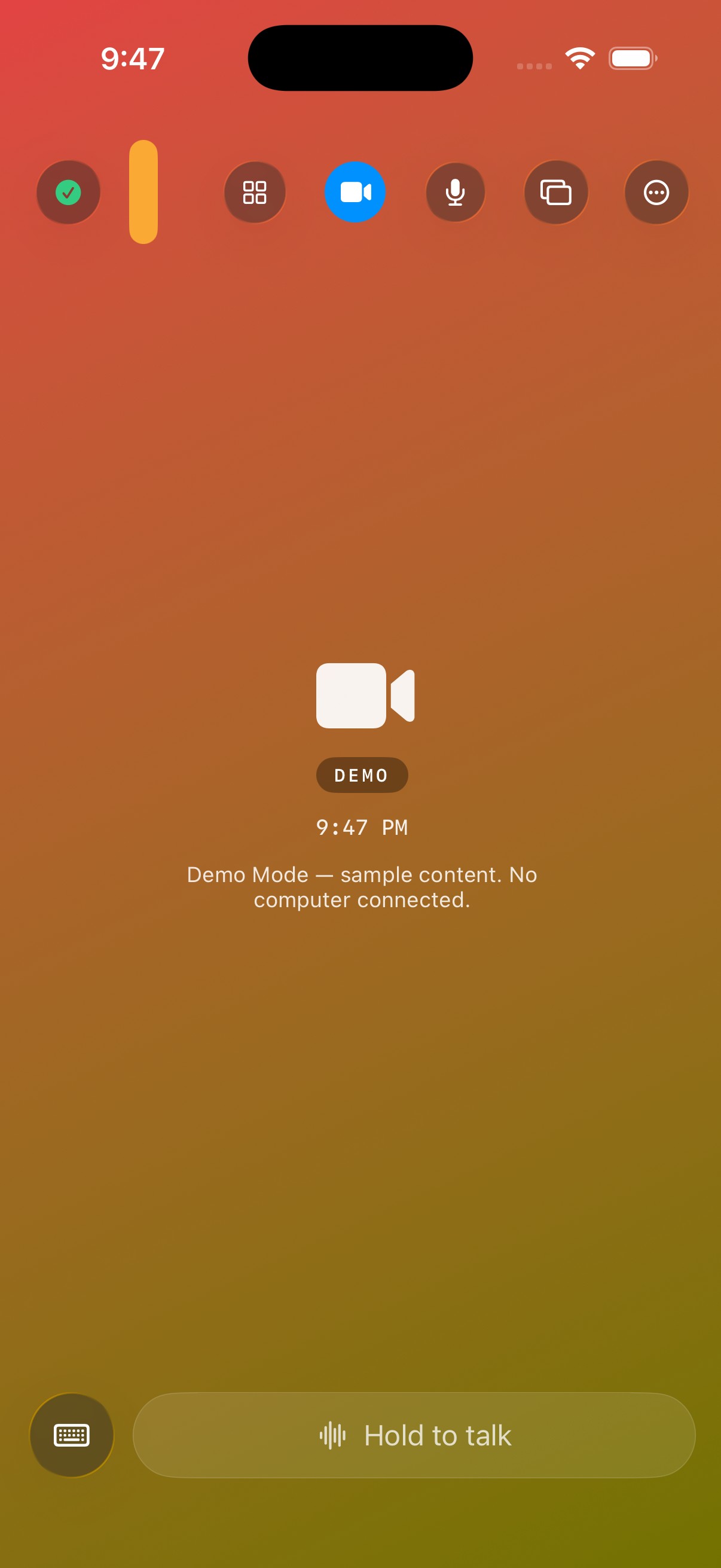
Three steps, two minutes
Install on the computer
Download the dmg or msi and open it. macOS asks once for permission — that is the only way a system-level camera can exist.
Install the phone app
Get RemoteCrab on the App Store, put both on the same Wi-Fi, tap once to pair.
Pick it in your meeting app
Open Zoom, Teams, Meet or OBS and choose “RemoteCrab Camera” from the camera menu.
Why this beats another camera
Not because it is cheaper, but because the device you already carry has a better sensor than most add-on webcams.
Image quality
A phone’s main camera beats a cheap webcam. Output is a fixed 1080p30, so meeting apps never choke on the encoding.
Placement
Wherever you put the phone is where the picture comes from. A whiteboard, a desk, a second angle — freer than a clip on the lid.
One less thing to carry
Travel, a hot desk, a last-minute call: you were bringing the phone anyway.
What works with it
Anything that lets you pick a camera can pick this one. The usual suspects:
FAQ
Does it need a driver?
On a Mac, yes: a small component, because macOS only lets system-level cameras appear in every app. Install once and every app can pick it. On Windows there is no driver.
Does it work on Windows?
Yes. The Windows app supports camera, second display, trackpad and keyboard; the virtual microphone is not on Windows yet.
Will an old iPhone work?
It needs iOS or iPadOS 17 or later, which means iPhone XS (2018) and newer. Older phones cannot run that version and cannot install the app. We cannot work around that.
Can I use the mic as well?
Yes. After the virtual microphone is installed, Zoom, Teams and recorders can pick “RemoteCrab Microphone”. Camera and mic are separate switches.
What does the computer need?
The Mac app needs macOS 26 or later on M1 or newer; the Windows app runs on Windows 10 / 11.
Working tonight
Download the desktop app, install the phone app, same Wi-Fi.