 macOS / Windows desktop app · Free
RemoteCrab
Your iPhone is the peripheral your computer is missing
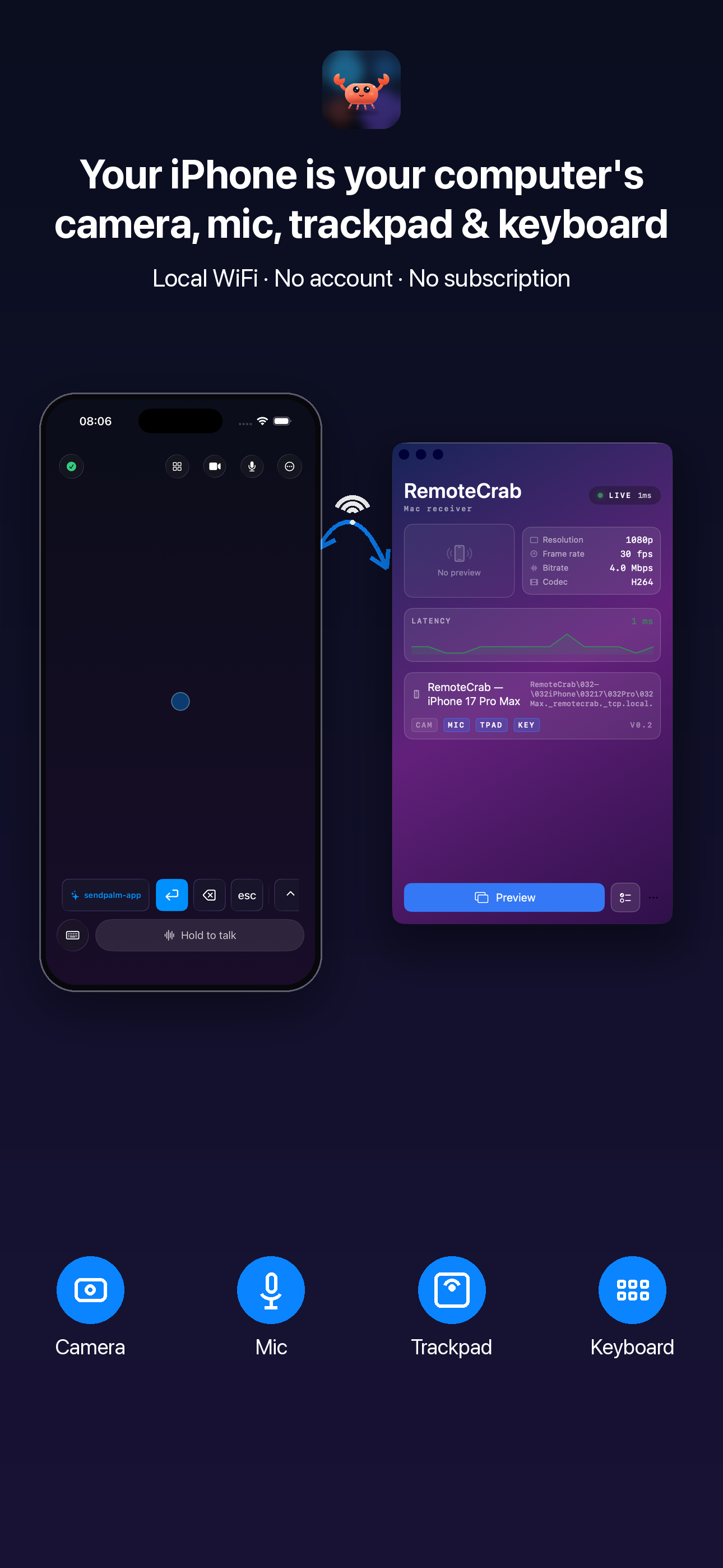
Turn it into a second display, a camera, a microphone, a trackpad and a keyboard for your computer — extended screen, control from the sofa, camera and mic, all in one app. Over local WiFi. No cloud, no account, no subscription.
Free · No account · No subscription · Stays on your LAN
Requires macOS 26+ (Apple silicon) and iOS 26+
One app, ten ways in
You do not need a second monitor, a webcam, a microphone or a trackpad. The iPhone you already own is enough.
Computer notifications on your phone
Your computer's banners reach your iPhone — tap one and the computer jumps back to that app and window.
A second screen
A real virtual display appears on your computer. Drag a window onto the iPhone and drive it with your fingers.
Screen mirror and control
Pull any app window onto the phone, then tap, drag, scroll and pinch on it directly.
1080p wireless camera
Your iPhone appears as a standard camera in Zoom, Teams, FaceTime and OBS — 1080p at 30fps, hardware H.264 encoding.
Virtual microphone
A one-click, signed and notarized virtual mic driver makes your iPhone a system-wide wireless microphone.
Full trackpad
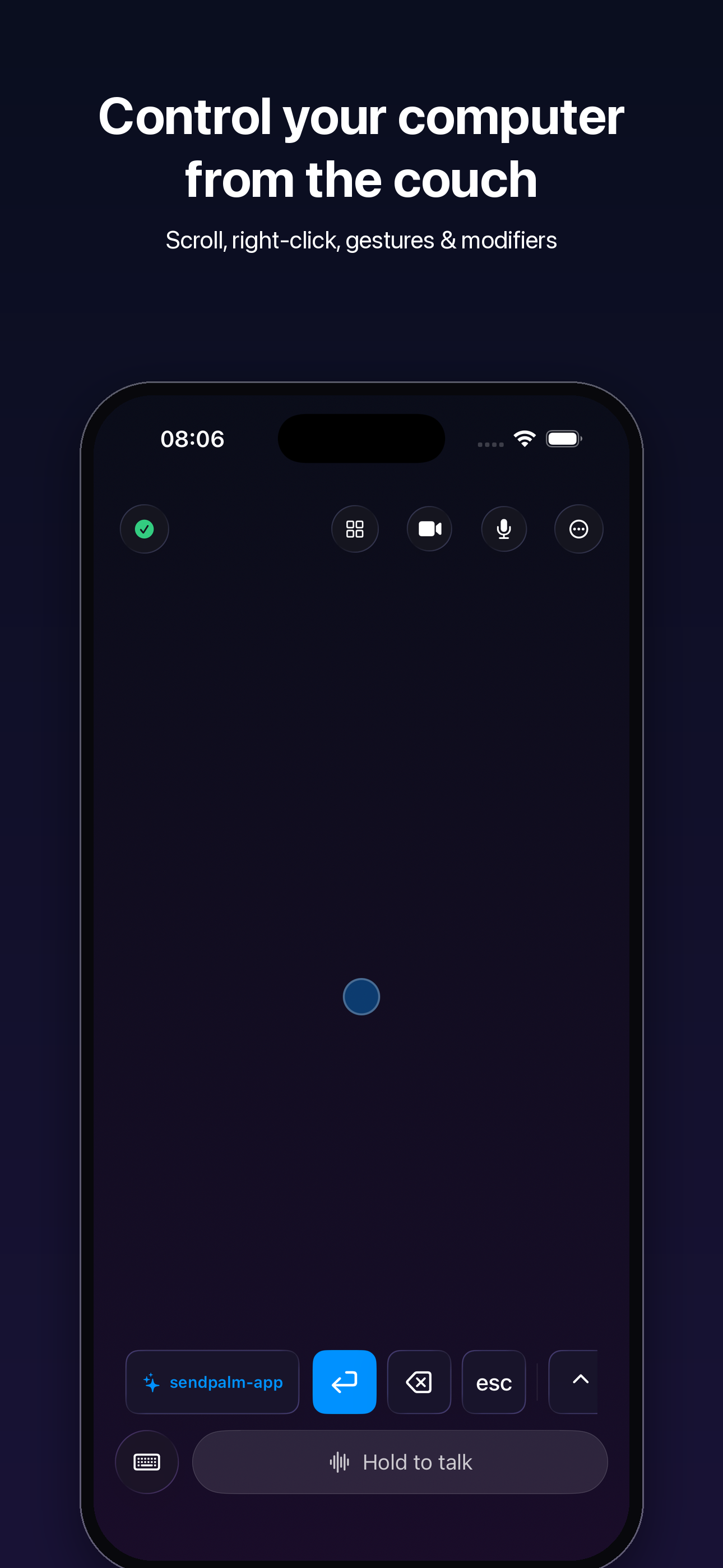
Drag, two-finger scroll, right-click, pinch, three-finger gestures and ⌃⌥⌘⇧ modifiers, with smooth acceleration and haptics.
System keyboard
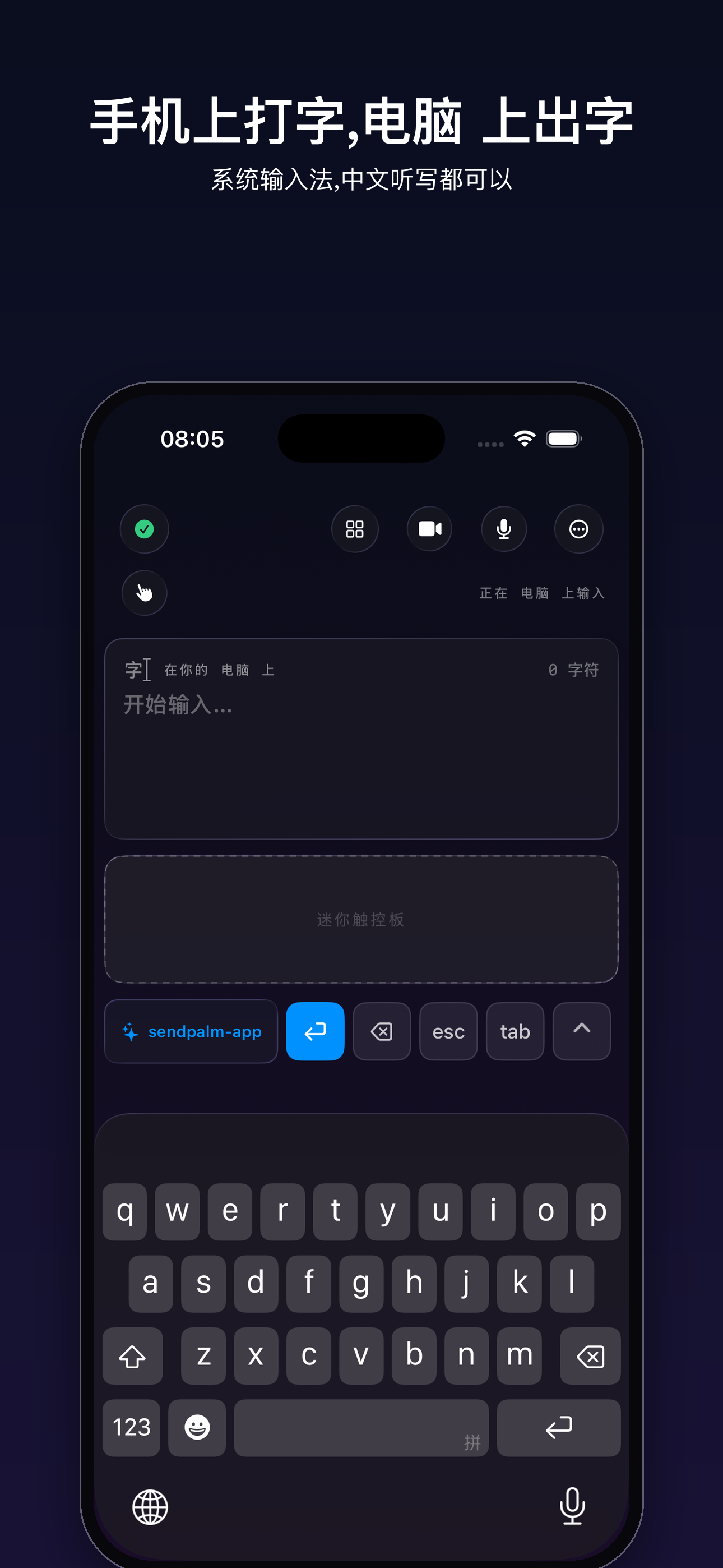
Full IME and dictation work. Text lands at the computer cursor, and ⌘C / ⌘V / ⌘Z behave exactly as you expect.
Hold to talk
On-device speech recognition turns your voice straight into text on the computer — nothing is uploaded.
AirDrop-style file transfer
Send photos and files straight to your computer. They land in Downloads and reveal in Finder.
Shared clipboard
Send the clipboard either way with one tap — copy on one device, paste on the other.
App switcher
Tap an app on your iPhone and bring it to the front on your computer.
Up and running in four steps
From download to connected usually takes under two minutes.
- 1
Get the desktop app
Download RemoteCrab.dmg, drag it into Applications and open it.
- 2
Get the iPhone app
Download RemoteCrab from the App Store, and put both devices on the same WiFi.
- 3
Grant permissions
Enable Accessibility, the virtual camera and the virtual microphone — each can be turned off again in System Settings.
- 4
Tap once to pair
They find each other over Bonjour. Pair once and it is remembered, so next time it just connects.
Requirements
- macOS 26 or later
- Apple silicon (M-series)
- iOS / iPadOS 26 or later
- iPhone or iPad
Both devices must be on the same local network — a home WiFi router is enough.
Local-first, for real
RemoteCrab runs no servers, collects no analytics and needs no account. Video, audio and keystrokes travel only between your iPhone and your computer — never off your local network.
- No cloud, no account, no subscription
- Open source and auditable
- Every permission can be revoked in System Settings
Context modes know 49 apps on your computer
Presentations, terminals, AI assistants, browsers, mail, meetings, Xcode — the buttons on your phone become that app’s set. Anything unlisted still gets the fallback set.
FAQ
Is RemoteCrab free?
Yes. There are no in-app purchases and no subscription.
Why does it install a "virtual camera"?
macOS only trusts system-level cameras. RemoteCrab installs a signed and notarized camera extension, after which any app can pick "RemoteCrab Camera" from its camera list.
Does it need the internet?
No. The two devices talk directly over your local WiFi; nothing goes through a server.
Will it run on my computer?
It needs an Apple-silicon computer on macOS 26 or later. Intel computers are not supported yet.
Try it today
Download the desktop app, install the iPhone app, and the two connect in seconds.